Real‑time Team Collaboration App – Chat, Assign Tasks & Share Files

Free Beginner plan: all features, free for up to 3 users. Need more than 3 users? User Base plan, $13 per user per month for all users.


Live Team Chat & Messaging Tool
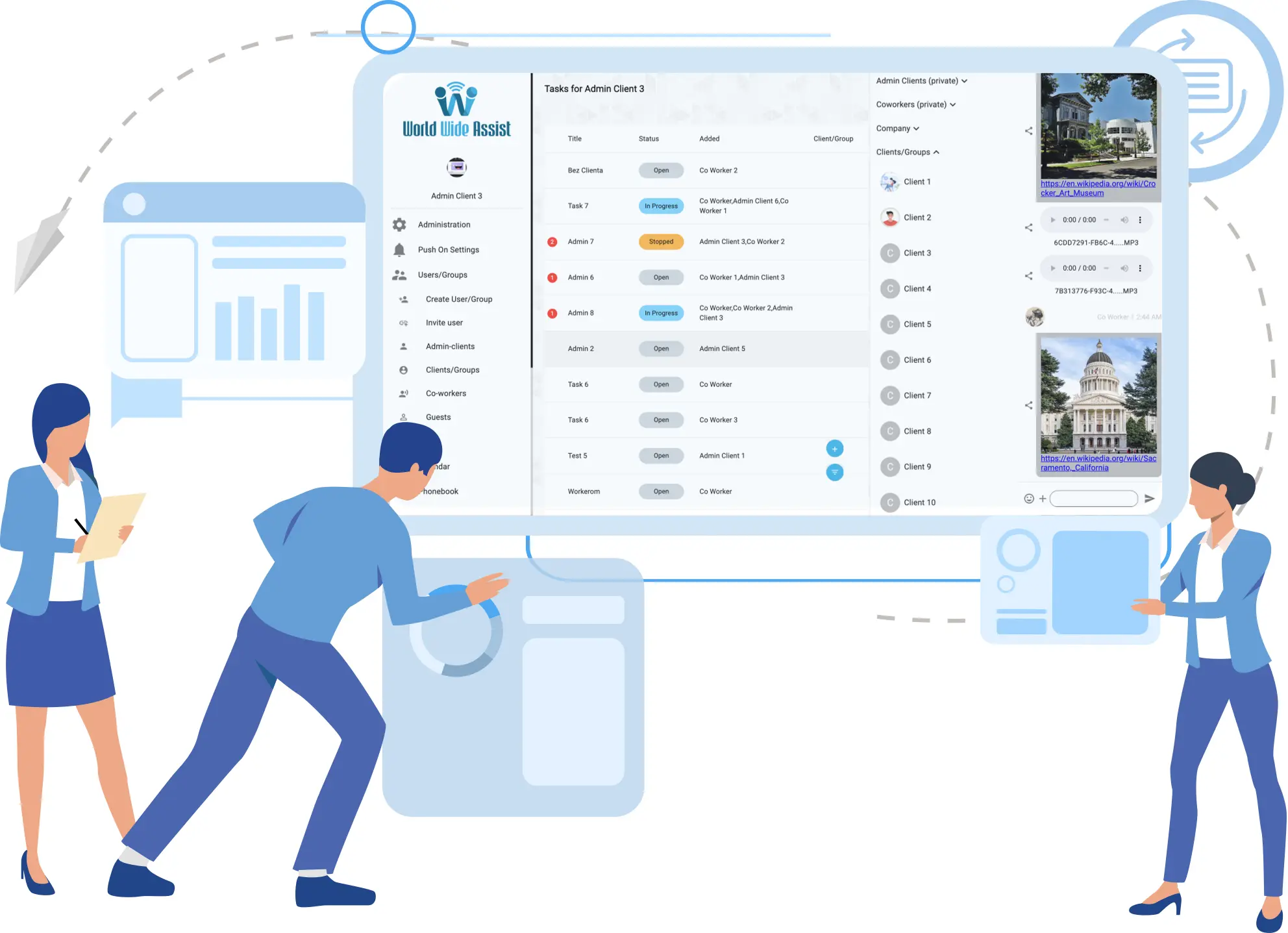
World Wide Assist gives your team real-time chat with group channels and file sharing. Create user groups for targeted discussions, share files seamlessly, and keep everyone connected regardless of location. Our team collaboration app ensures that your team stays in sync.

User Segmentation & Role Control
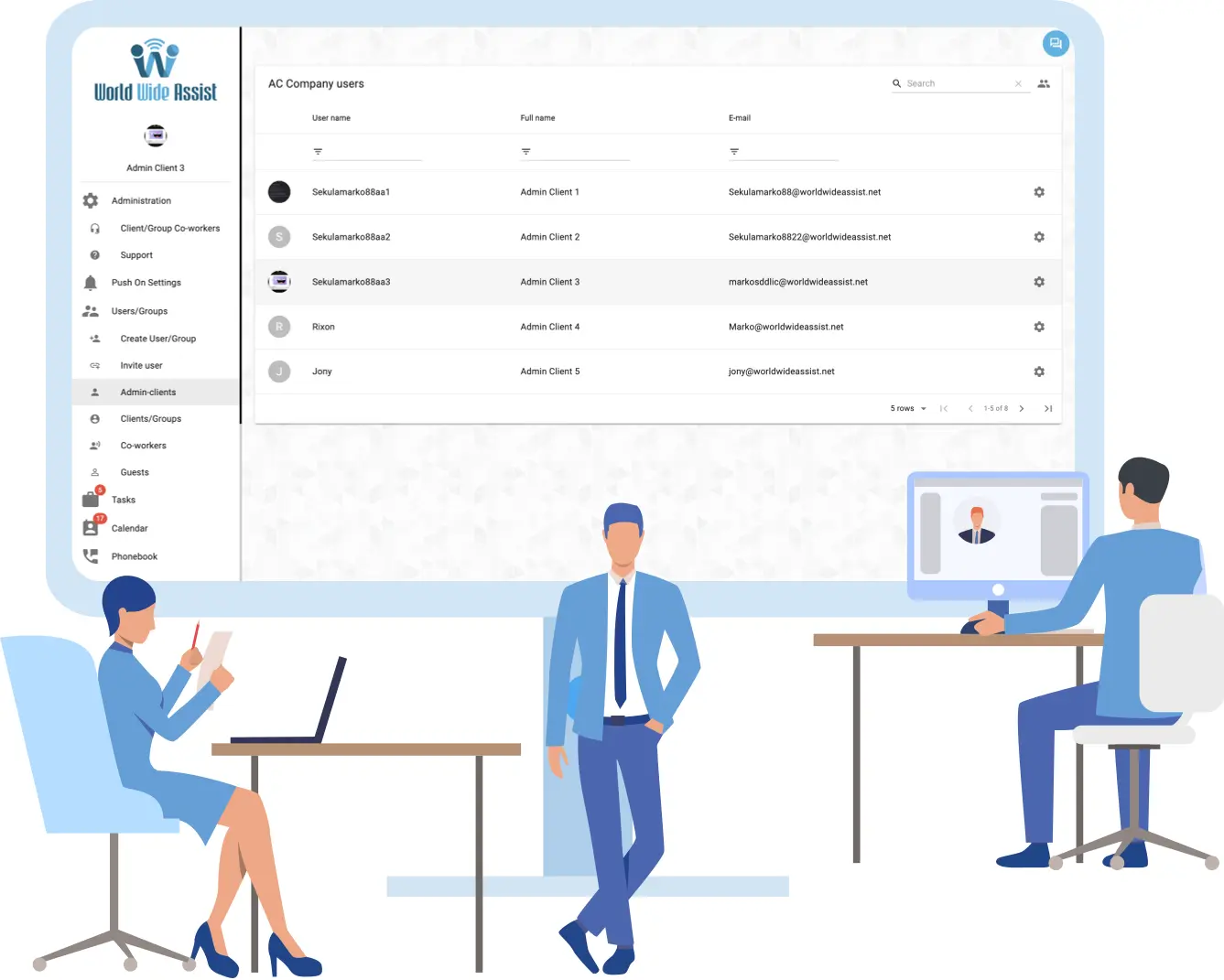
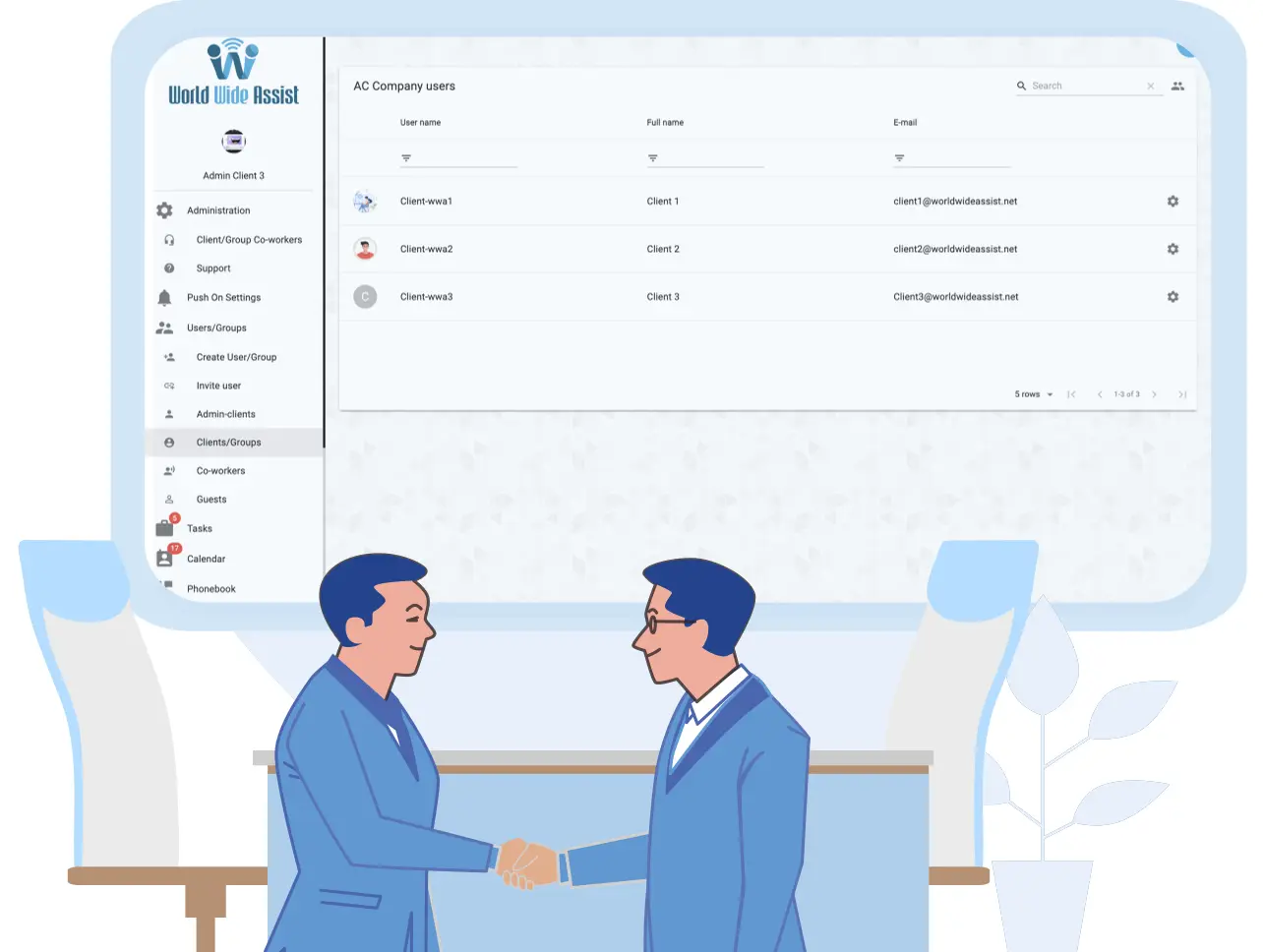
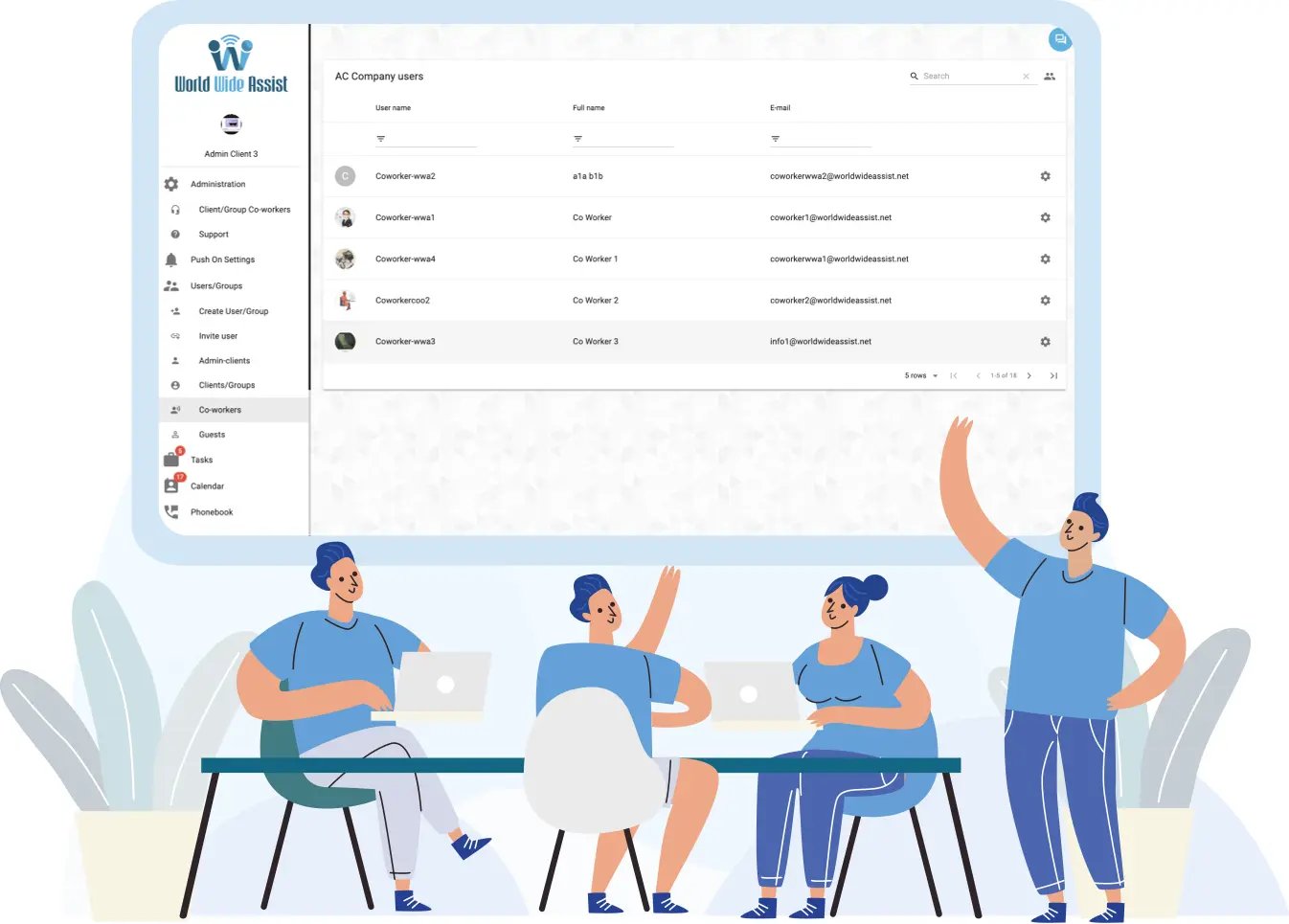
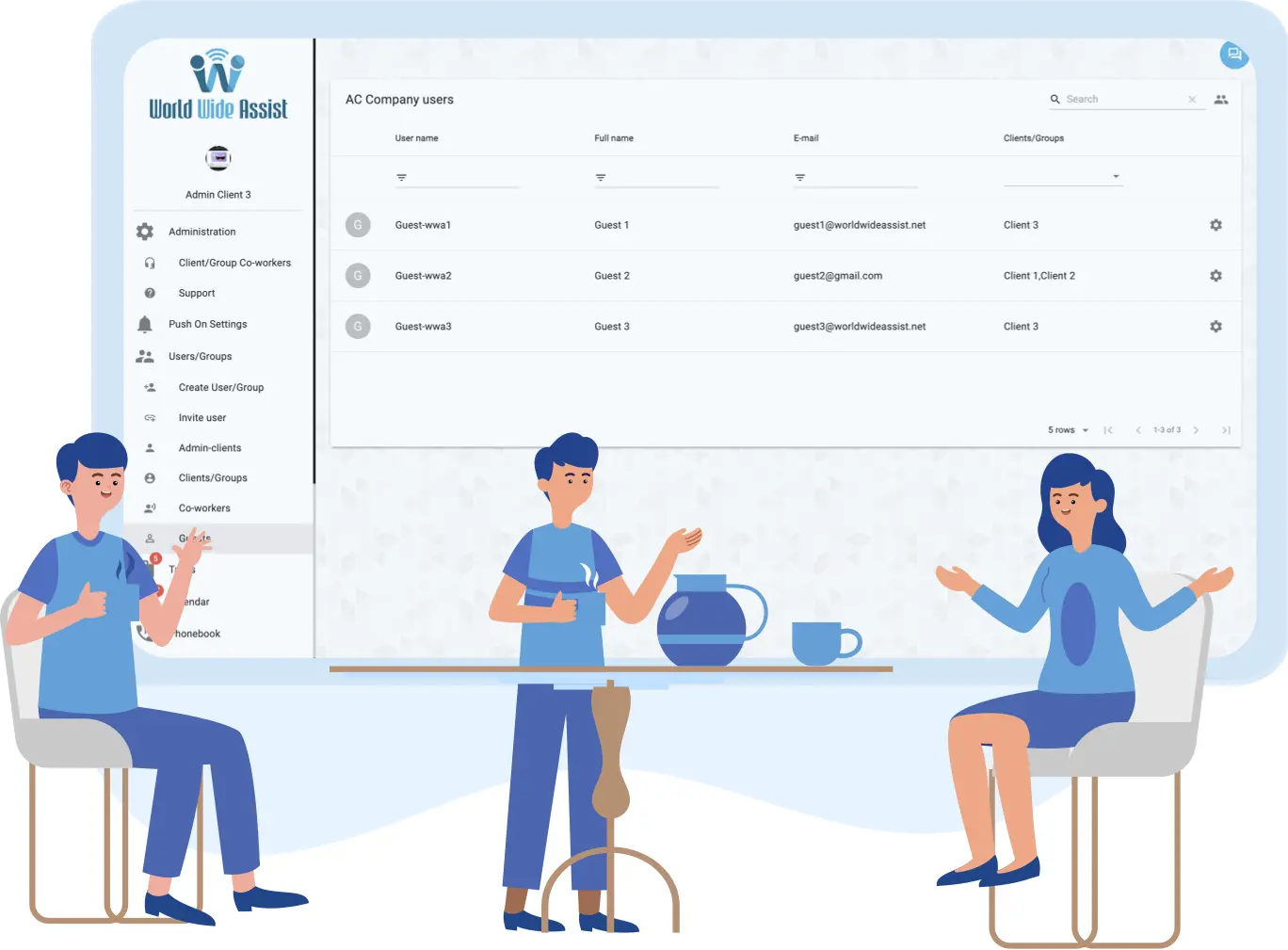
Control who sees what with role-based access. Assign user roles with tailored permissions so team members see only what they need — no clutter, no confusion. Break down projects, assign tasks to the right people, and track progress with confidence. Invite guest users with role-based access to collaborate across boundaries. Our team collaboration app combines role-based access with real-time task chat in one workspace.
Admin Client
Clients
Co-Workers
Guests
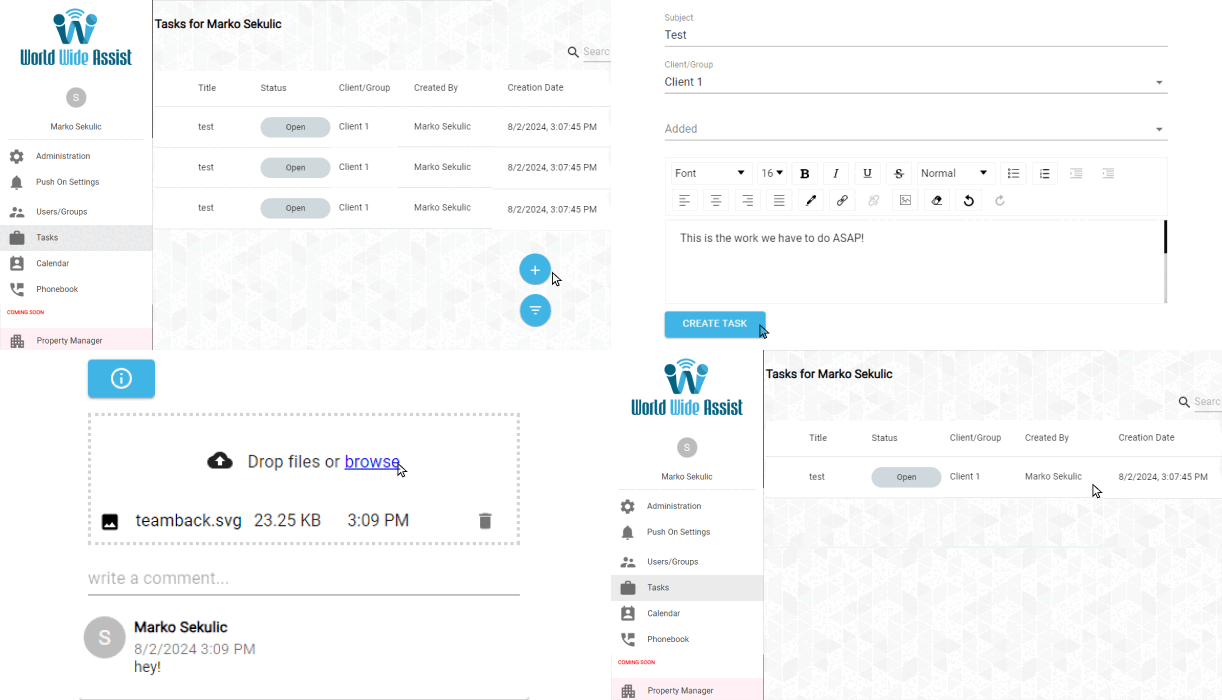
Collaborative Task System with Real-Time Communication
Break down complex projects into actionable tasks and assign them to the right team members. Collaborate in real time with built-in task chat, commenting, and file sharing — so every task becomes a live conversation. Get instant updates, clarify deliverables, and keep work moving forward without switching apps. Our team collaboration tool combines structured task management with team communication in one workspace.
Register For Free